ライブセッション
スクレイピングブラウザのライブビュー機能を使用すると、ブラウザセッションをリアルタイムで表示および制御できます。具体的には、ライブビュー機能により、アクティブなブラウザセッション内の表示、クリック、入力、スクロールが可能になります。これにより、自動化プロセスの監視、自動化スクリプトのデバッグ、ブラウザセッションへの手動介入を簡単に実行できます。
Scrapelessでは、ブラウザセッションを2つの場所で確認または制御できます: プレイグラウンド と セッション 管理インターフェースです。
使い方
Scrapelessブラウザセッションを作成
まず、セッションを作成する必要があります。これには2つの方法があります。
プレイグラウンド経由でセッションを作成

API経由でセッションを作成
セッションを作成するには、当社のAPIも使用できます。これに関する詳細は、APIドキュメントの Agent Browser APIDocsをご参照ください。当社のセッション機能により、ライブビュー機能を含めてこのセッションを管理できます。
const { Scrapeless } = require('@scrapeless-ai/sdk');
const puppeteer =require('puppeteer-core');
const client = new Scrapeless({ apiKey: 'API Key' });

// custom fingerprint
const fingerprint = {
    platform: 'Windows',
}

// Create browser session and get WebSocket endpoint
const { browserWSEndpoint } = client.browser.create({
    sessionName: 'sdk_test',
    sessionTTL: 180,
    proxyCountry: 'US',
    sessionRecording: true,
    fingerprint,
});

(async () => {
    const browser = await puppeteer.connect({browserWSEndpoint});
    const page = await browser.newPage();

    await page.goto('https://www.scrapeless.com');
    await new Promise(res => setTimeout(res, 3000));

    await page.goto('https://www.google.com');
    await new Promise(res => setTimeout(res, 3000));

    await page.goto('https://www.youtube.com');
    await new Promise(res => setTimeout(res, 3000));

    await browser.close();
})();ライブセッションを表示
Scrapelessのセッション管理インターフェースでは、ライブセッションを簡単に表示できます。表示方法は以下の2つです。
プレイグラウンドセッションをリアルタイムで表示
プレイグラウンドでセッションを作成すると、右側にブラウザがリアルタイムで動作している様子が表示されます。
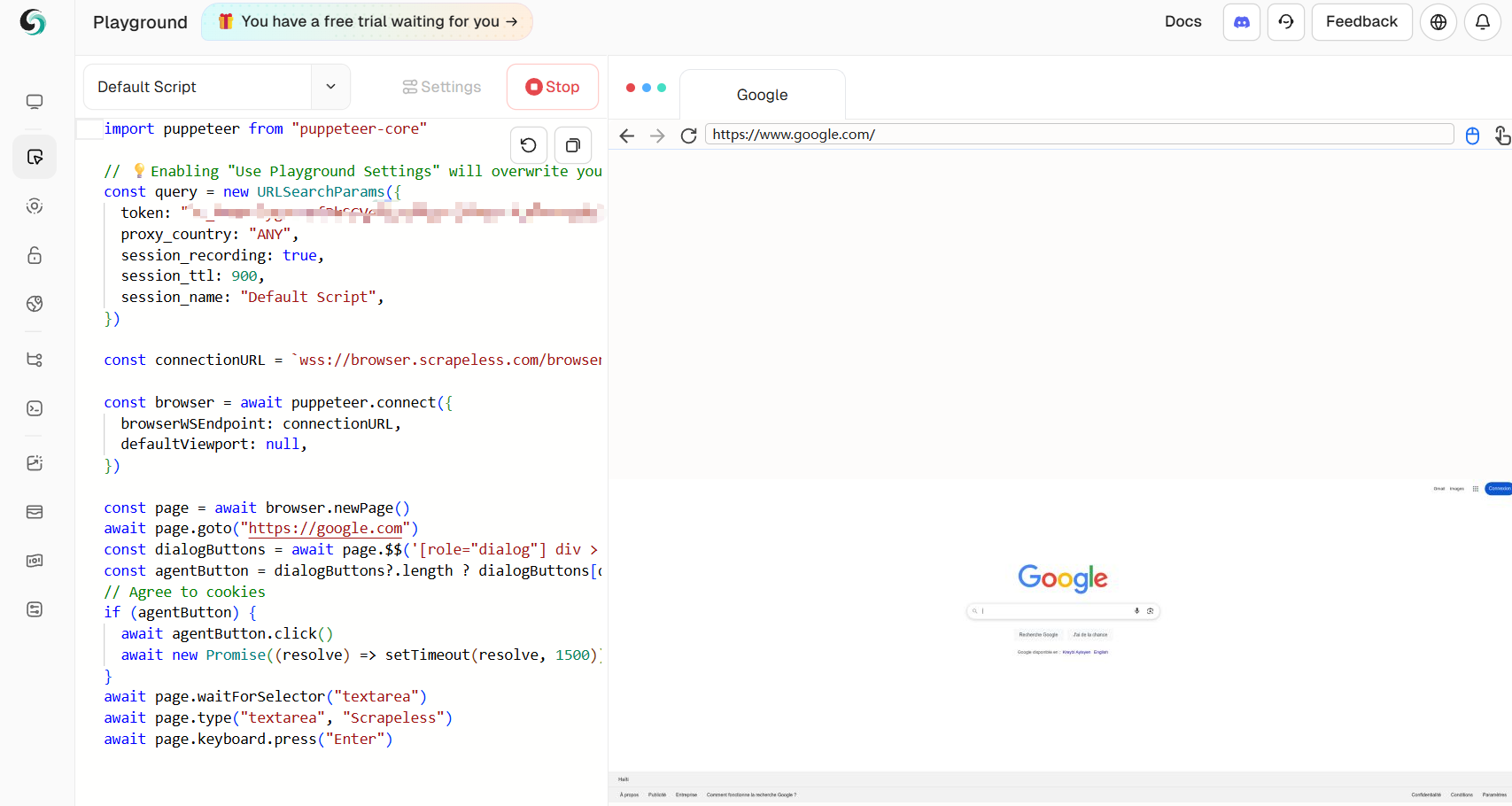
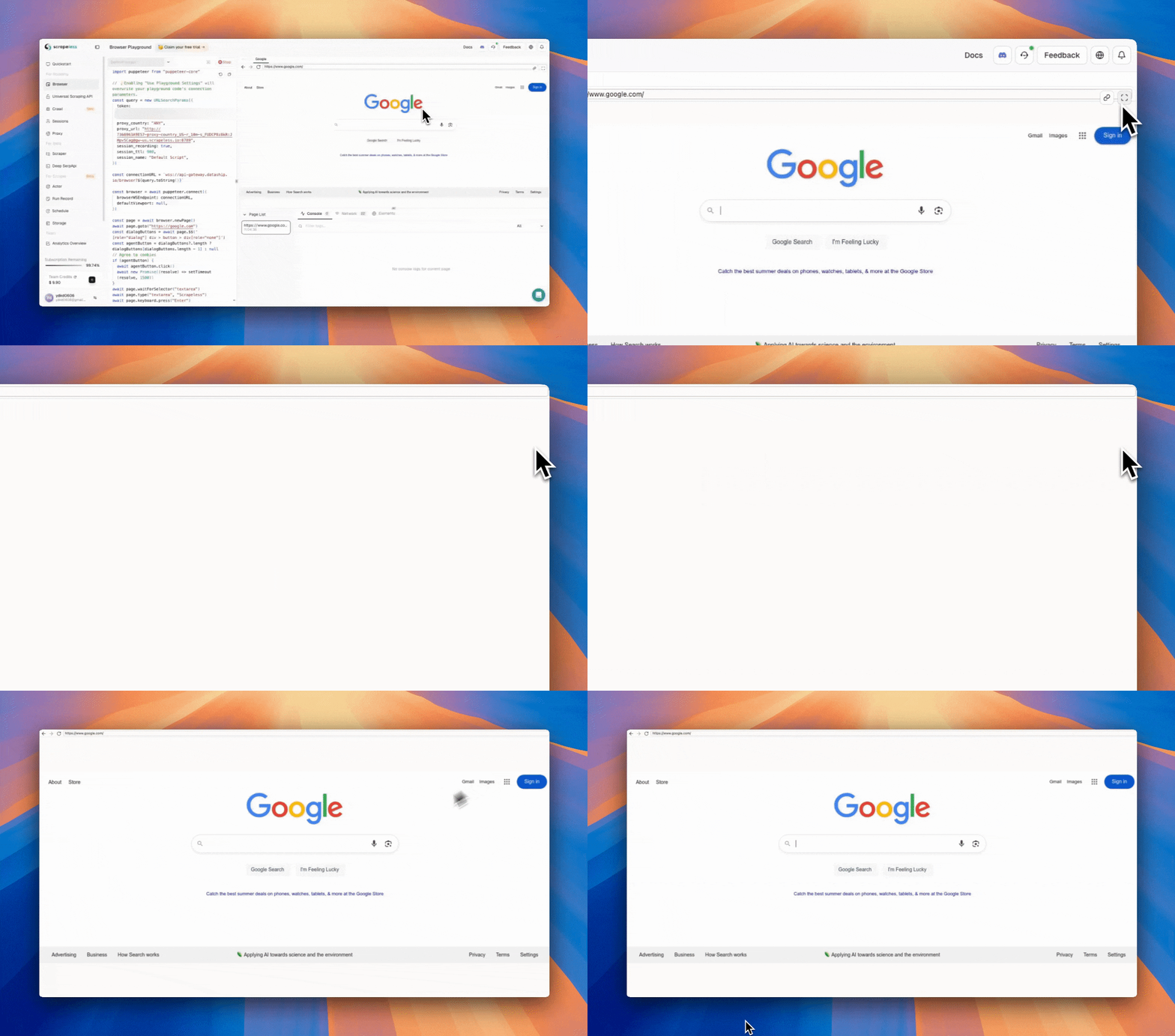
プレイグラウンド内に埋め込まれたリアルタイム表示に加えて、ライブセッションをブラウザタブで即座に開くこともできます。リアルタイム表示パネルの右上隅にある 「ライブURLを開く」 アイコンをクリックするだけです。
APIセッションをリアルタイムで表示
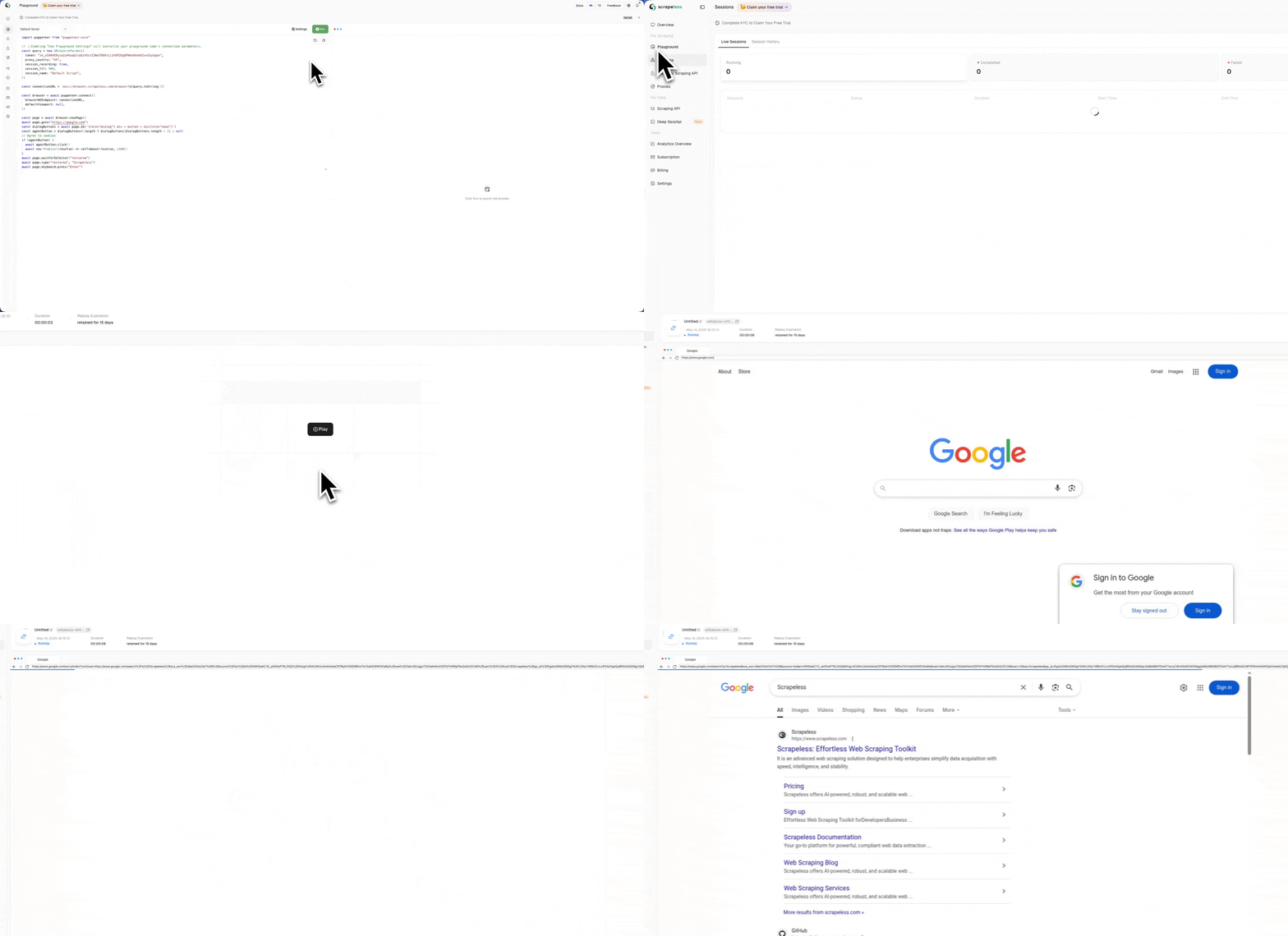
API経由でセッションを作成した後、セッションページで実行中のセッション一覧を確認できます。アクションの詳細をクリックすると、ブラウザの操作をリアルタイムでプレビューできます。ここで、オンサイトでライブセッションを表示するか、セッションのURLをコピーしてライブセッションを表示するかを選択できます。参考用に2つの操作動画を用意しています。
オンサイト表示
ウェブサイトからライブURLを取得
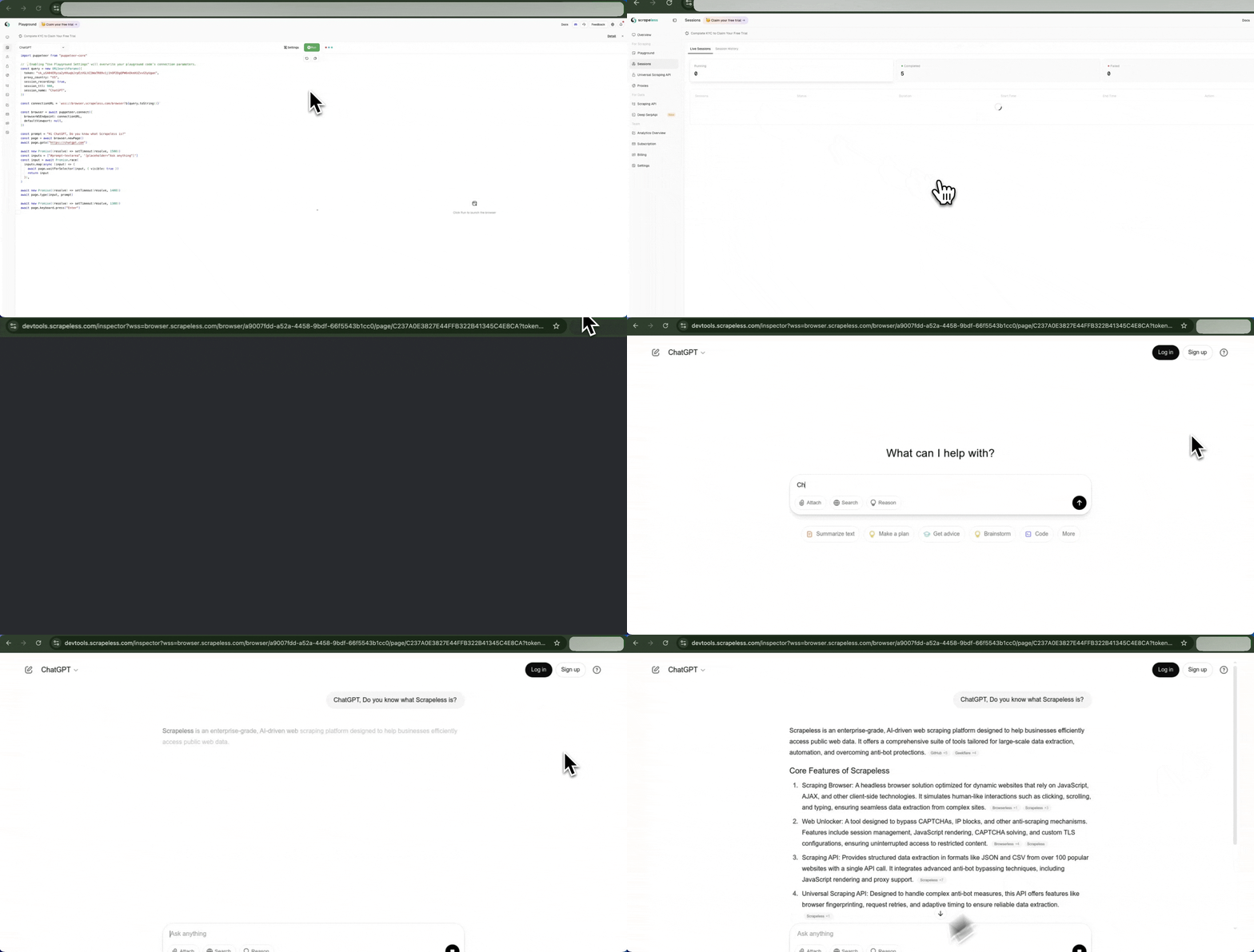
実行中のセッション一覧からライブURLをコピーし、ブラウザに貼り付けて直接アクセスできます。
API経由でライブURLを取得
ライブURLは、APIを呼び出して取得できます。次のコード例では、まず 実行中セッションのAPIを使用して、現在実行中のすべてのセッションを取得します。その後、特定のセッションのライブURLを、 ライブURLAPIを使用して取得します:
const API_CONFIG = {
    host: 'https://api.scrapeless.com',
    headers: {
        'x-api-token': 'API Key',
        'Content-Type': 'application/json'
    }
};

const requestOptions = {
    method: 'GET',
    headers: new Headers(API_CONFIG.headers)
};

async function fetchBrowserSessions() {
    try {
        // Fetch running browser sessions
        const sessionResponse = await fetch(`${API_CONFIG.host}/browser/running`, requestOptions);

        if (!sessionResponse.ok) {
            throw new Error(`failed to fetch sessions: ${sessionResponse.status} ${sessionResponse.statusText}`);
        }

        const sessionResult = await sessionResponse.json();

        // Process sessions data
        const sessions = sessionResult.data;
        if (!sessions || !Array.isArray(sessions) || sessions.length === 0) {
            console.log("no active browser sessions found");
            return;
        }

        // Get first session task ID
        const taskId = sessions[0]?.taskId;
        if (!taskId) {
            console.log("task id not found in the session data");
            return;
        }

        // Fetch live URL for the task
        await fetchLiveUrl(taskId);
    } catch (error) {
        console.error("error fetching browser sessions:", error.message);
    }
}

async function fetchLiveUrl(taskId) {
    try {
        const liveResponse = await fetch(`${API_CONFIG.host}/browser/${taskId}/live`, requestOptions);

        if (!liveResponse.ok) {
            throw new Error(`failed to fetch live url: ${liveResponse.status} ${liveResponse.statusText}`);
        }

        const liveResult = await liveResponse.json();
        if (liveResult && liveResult.data) {
            console.log(`taskId: ${taskId}`);
            console.log(`liveUrl: ${liveResult.data}`);
        } else {
            console.log("no live url data available for this task");
        }
    } catch (error) {
        console.error(`error fetching live url for task ${taskId}:`, error.message);
    }
}

fetchBrowserSessions().then(r => { });CDP経由でライブURLを取得
コード実行中にLive Urlを取得するには、cdpコマンド Agent.liveURLを呼び出します:
const { Puppeteer, log as Log } = require('@scrapeless-ai/sdk');
const logger = Log.withPrefix('puppeteer-example');

(async () => {
    const browser = await Puppeteer.connect({
        sessionName: 'sdk_test',
        sessionTTL: 180,
        proxyCountry: 'US',
        sessionRecording: true,
        defaultViewport: null
    });

    const page = await browser.newPage();
    await page.goto('https://www.scrapeless.com');
    const { error, liveURL } = await page.liveURL();
    if (error) {
      logger.error('Failed to get current page URL:', error);
    } else {
      logger.info('Current page URL:', liveURL);
    }
    await browser.close();
})();